
MEGA6.22.2 - AppGallery
You'll be able to see results in few seconds.
Publisher Description


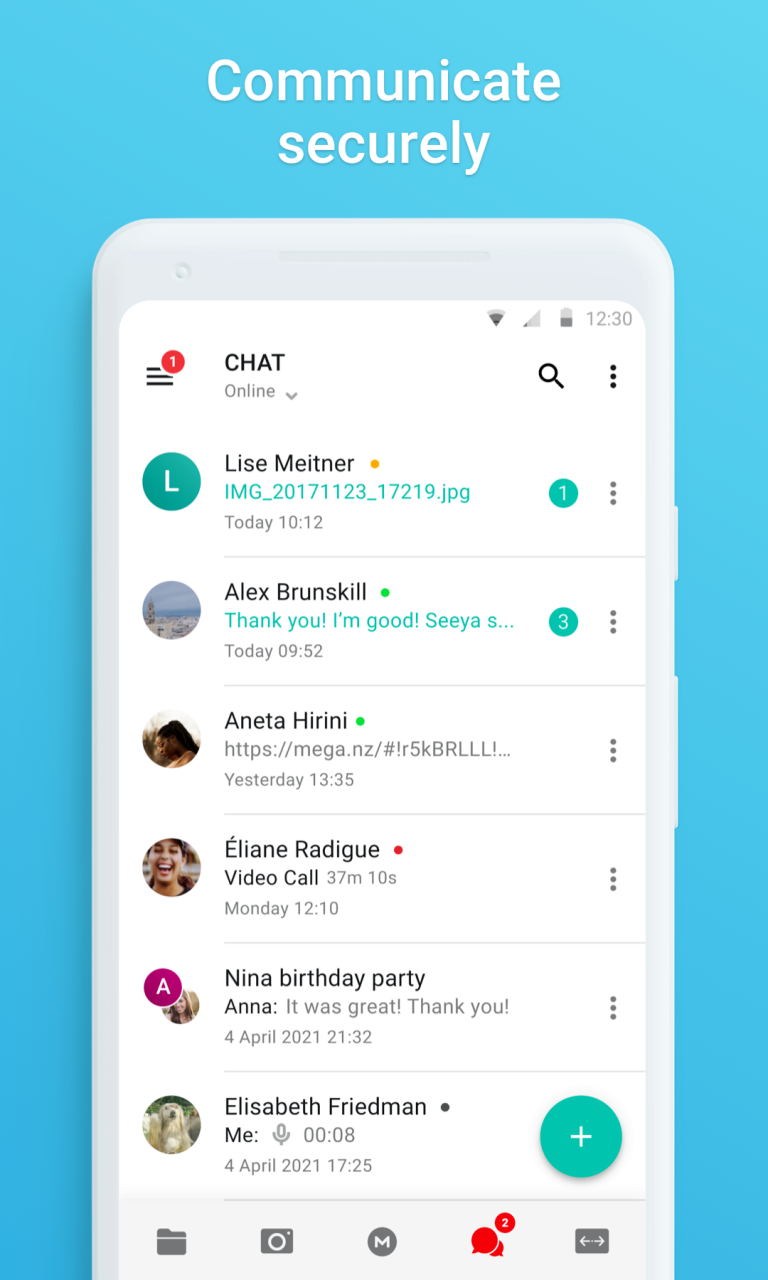

MEGA provides user-controlled encrypted cloud storage that’s accessed with web browsers and dedicated apps for mobile devices. Unlike other cloud storage providers, your data is encrypted and decrypted by your client devices only and never by us.
Upload files from your smartphone or tablet, then search, download, stream, view, share, rename or delete your files from any device, anywhere. Share folders with your contacts and see their updates in real time.
MEGA’s strong and secure end-to-end encryption means we cannot access or reset your password. You MUST remember the password and make sure to back up your account Recovery Key. Losing your password and the account Recovery Key will result in lost access to your files.
Use the included MEGA Secure Chat for end-to-end encrypted communications, including video and audio calls, with total privacy. Chat history synchronises automatically across multiple devices and you can also easily add files to, and from, your MEGA Cloud drive.
MEGA offers a generous 20 GB free storage for all registered users. You can get even more storage in 5 GB increments through the MEGA Achievements program.
Need more storage? Check out our affordable MEGA Pro subscription plans that offer plenty more space:
Pro Lite: €4.99 (US$4.99) per month or €49.99 (US$49.99) per year gives you 400 GB storage space and 1 TB of transfer quota per month.
Pro I: €9.99 (US$9.99) per month or €99.99 (US$99.99) per year gives you 2 TB storage space and 2 TB of transfer quota per month.
Pro II: €19.99 (US$19.99) per month or €199.99 (US$199.99) per year gives you 8 TB storage space and 8 TB of transfer quota per month.
Pro III: €29.99 (US$29.99) per month or €299.99 (US$299.99) per year gives you 16 TB storage space and 16 TB of transfer quota per month.
All MEGA client-side application code is published on GitHub, for transparency. The code of our Huawei mobile app is located at: https://github.com/meganz/android
Subscriptions renew automatically for successive subscription periods of the same duration and at the same price as the initial period chosen. To manage your subscriptions, simply tap on the Huawei AppGallery icon on your device, sign in with your Huawei ID (if you haven’t already done so) and then tap on the MEGA app.
App Permissions:
WRITE_EXTERNAL_STORAGE → Download your files from MEGA to your device and upload files from your device to MEGA
CAMERA → Take a picture and upload your photos to MEGA
READ_CONTACTS → Easily add contacts from your device as MEGA contacts
RECORD_AUDIO & CAPTURE_VIDEO_OUTPUT (mic and camera) → MEGA provides end-to-end encrypted audio and video calls
MEGA’s Terms of Service: https://mega.io/terms
Privacy Policy: https://mega.io/privacy
About MEGA
The company that develops MEGA is Mega Limited. The latest version released by its developer is 6.22.2.
To install MEGA on your Huawei device, just click the green Continue To App button above to start the installation process. The app is listed on our website since 2022-12-05 and was downloaded 0 times. We have already checked if the download link is safe, however for your own protection we recommend that you scan the downloaded app with your antivirus. Your antivirus may detect the MEGA as malware if the download link to C102009895 is broken.
How to install MEGA on your Huawei device:
- Click on the Continue To App button on our website. This will redirect you to Huawei Store.
- Once the MEGA is shown in the Huawei Store listing of your Huawei device, you can start its download and installation. Tap on the Install button located below the search bar and to the right of the app icon.
- A pop-up window with the permissions required by MEGA will be shown. Click on Accept to continue the process.
- MEGA will be downloaded onto your device, displaying a progress. Once the download completes, the installation will start and you'll get a notification after the installation is finished.
Program Details
System requirements
Download information
Pricing
Version History
version 6.22.2 (487)
posted on 2022-12-05
Disclaimer
Official AppGallery Link
We do not host MEGA on our servers. We did not scan it for viruses, adware, spyware or other type of malware. This app is hosted by Huawei and passed their terms and conditions to be listed there. We recommend caution when installing it.
The AppGallery link for MEGA is provided to you by apps112.com without any warranties, representations or guarantees of any kind, so access it at your own risk.
If you have questions regarding this particular app contact the publisher directly. For questions about the functionalities of apps112.com contact us.
